Creating a Group
Step-by-step guide to setting up a new fundraising activity.
Starting a new fundraising activity is simple. Follow these steps to set up your group and start tracking contributions.
Open the Groups Page
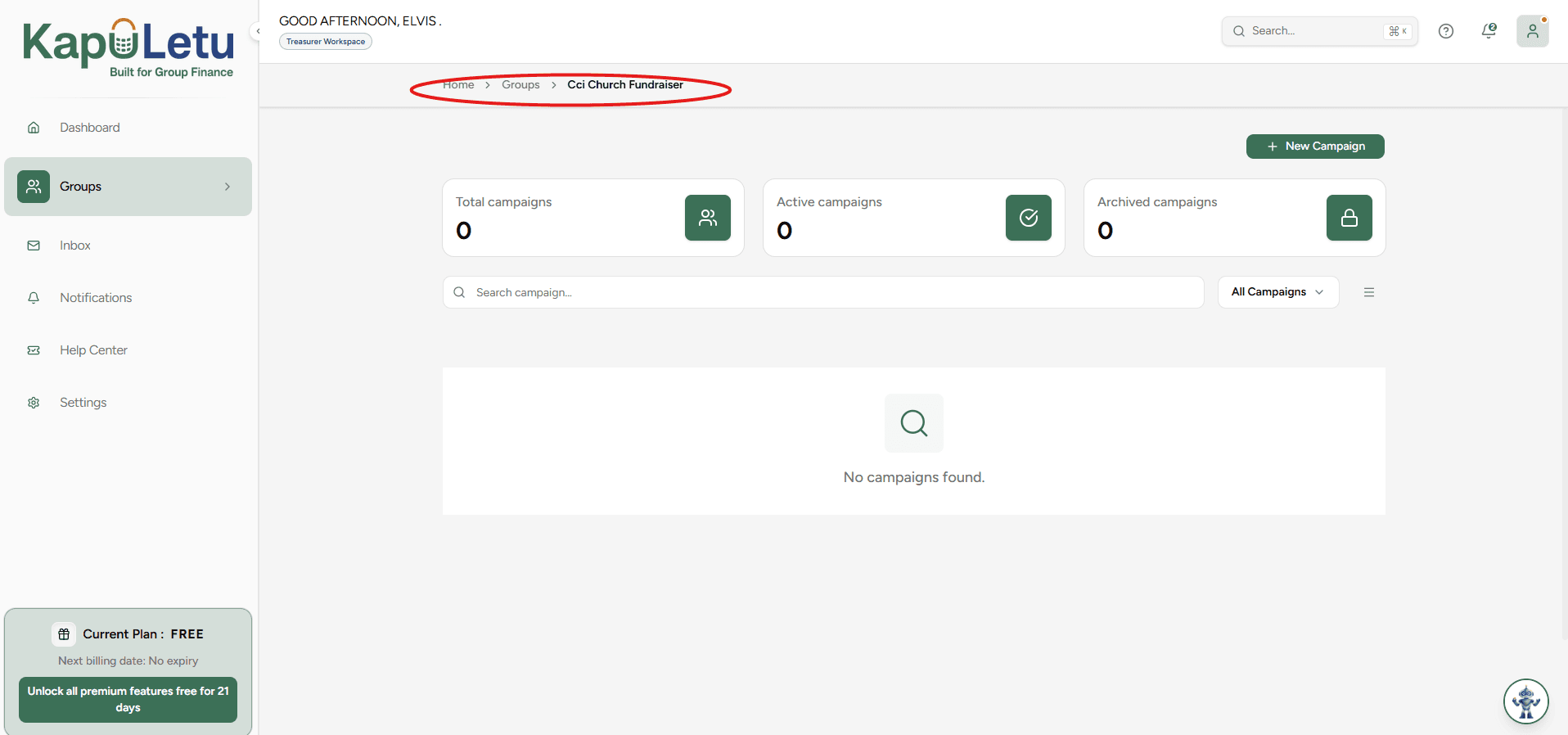
Click 'Groups' in the sidebar. Every group you collect money for lives here.
Start a New Group
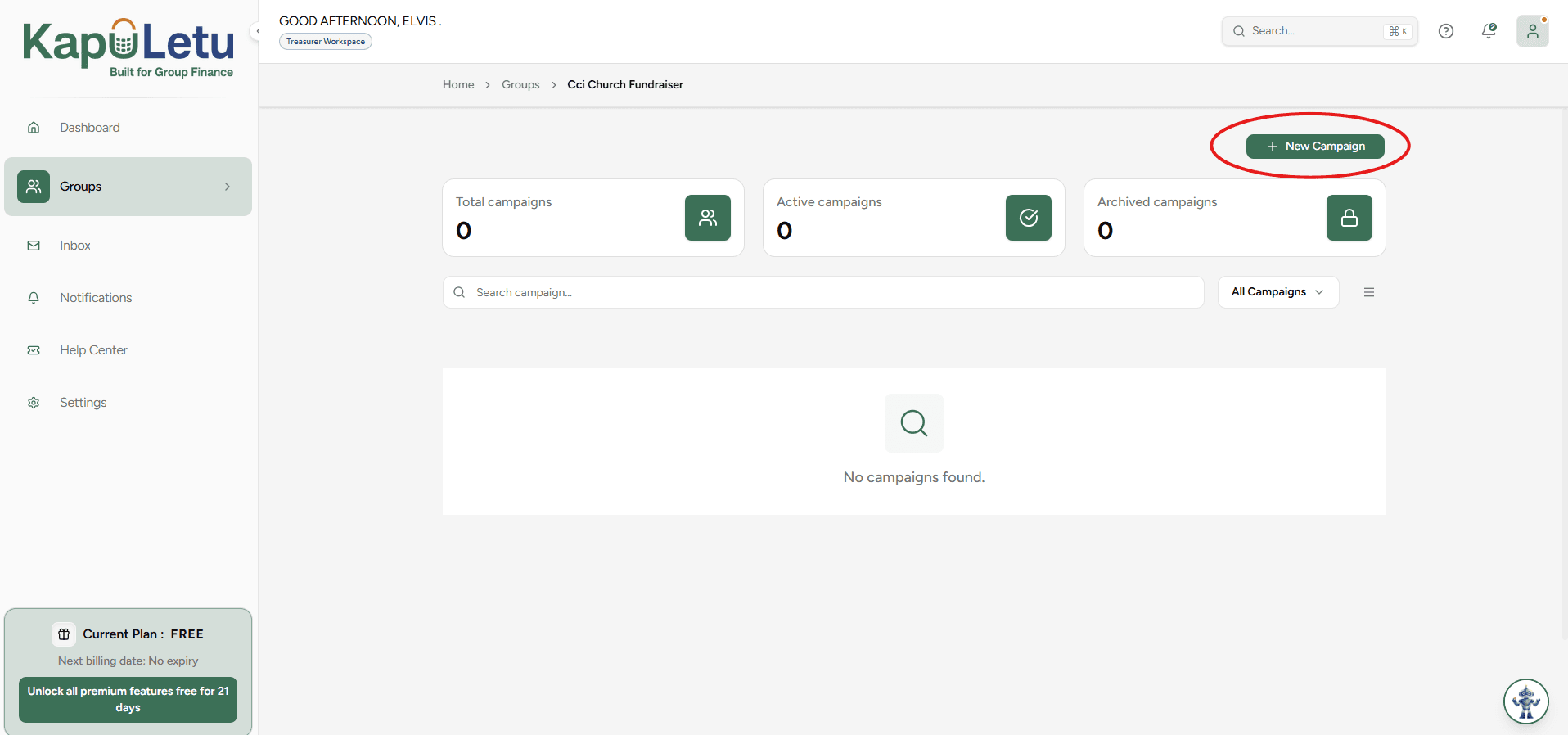
Click the 'New Group' button. To keep related groups together, create a collection later and pick the groups that belong in it.
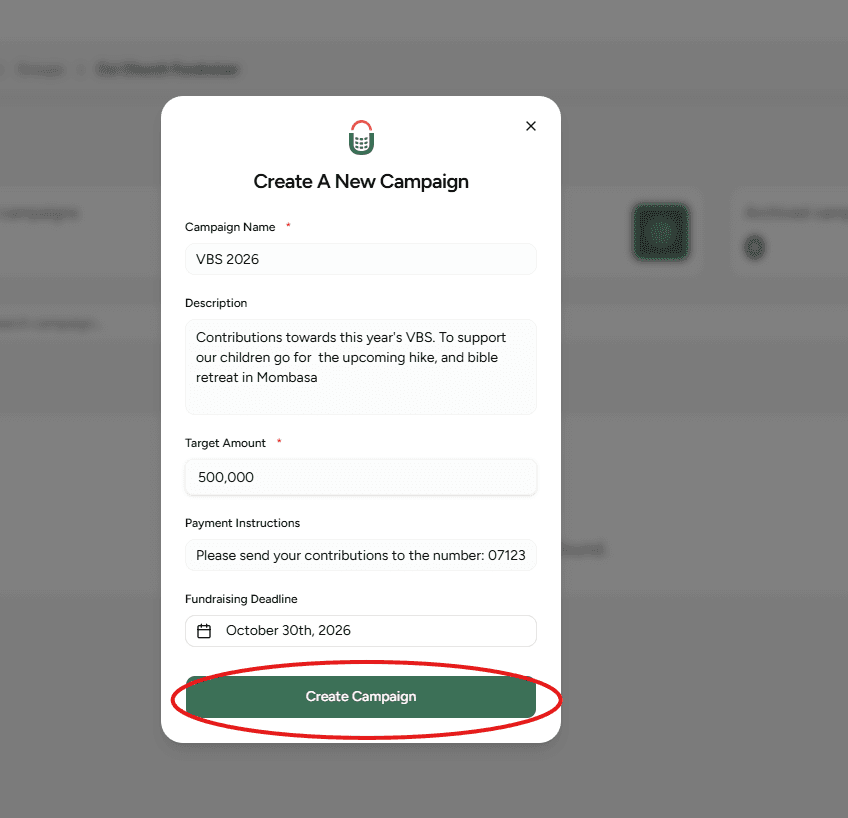
Fill Group Details
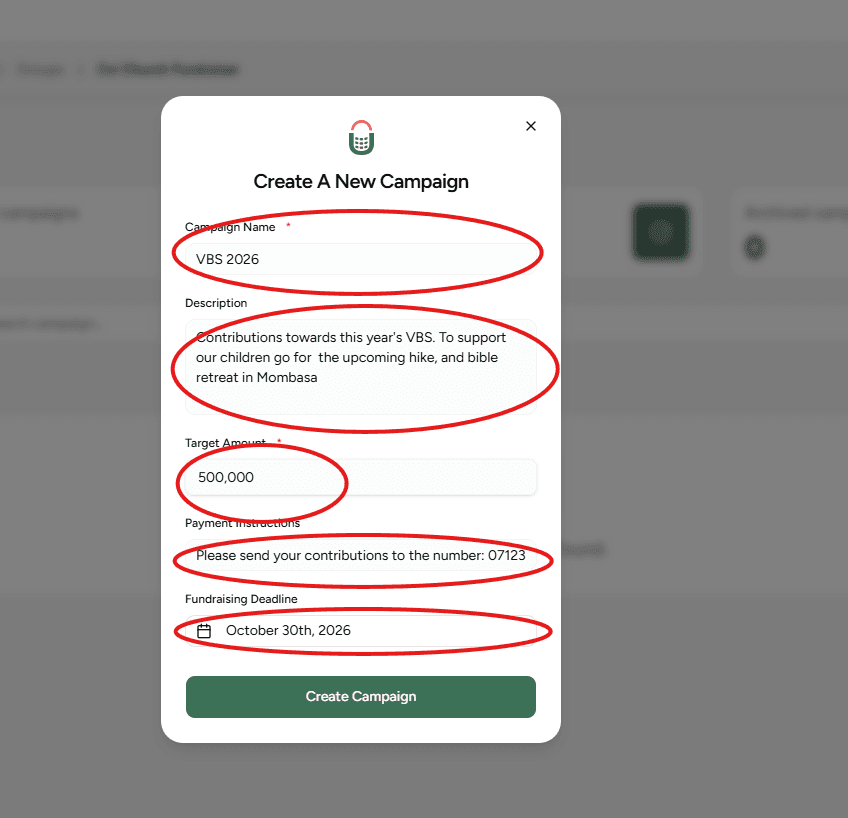
Give the group a name and description, then pick its type from the dropdown: 'Open contributions' (no target, any amount) or 'With a target' (enter the amount to track progress). Add payment instructions, and pick a deadline only if the group has one: it is the last day to contribute.
Create Group
After filling this information, click 'Create Group'.
Ready to Track
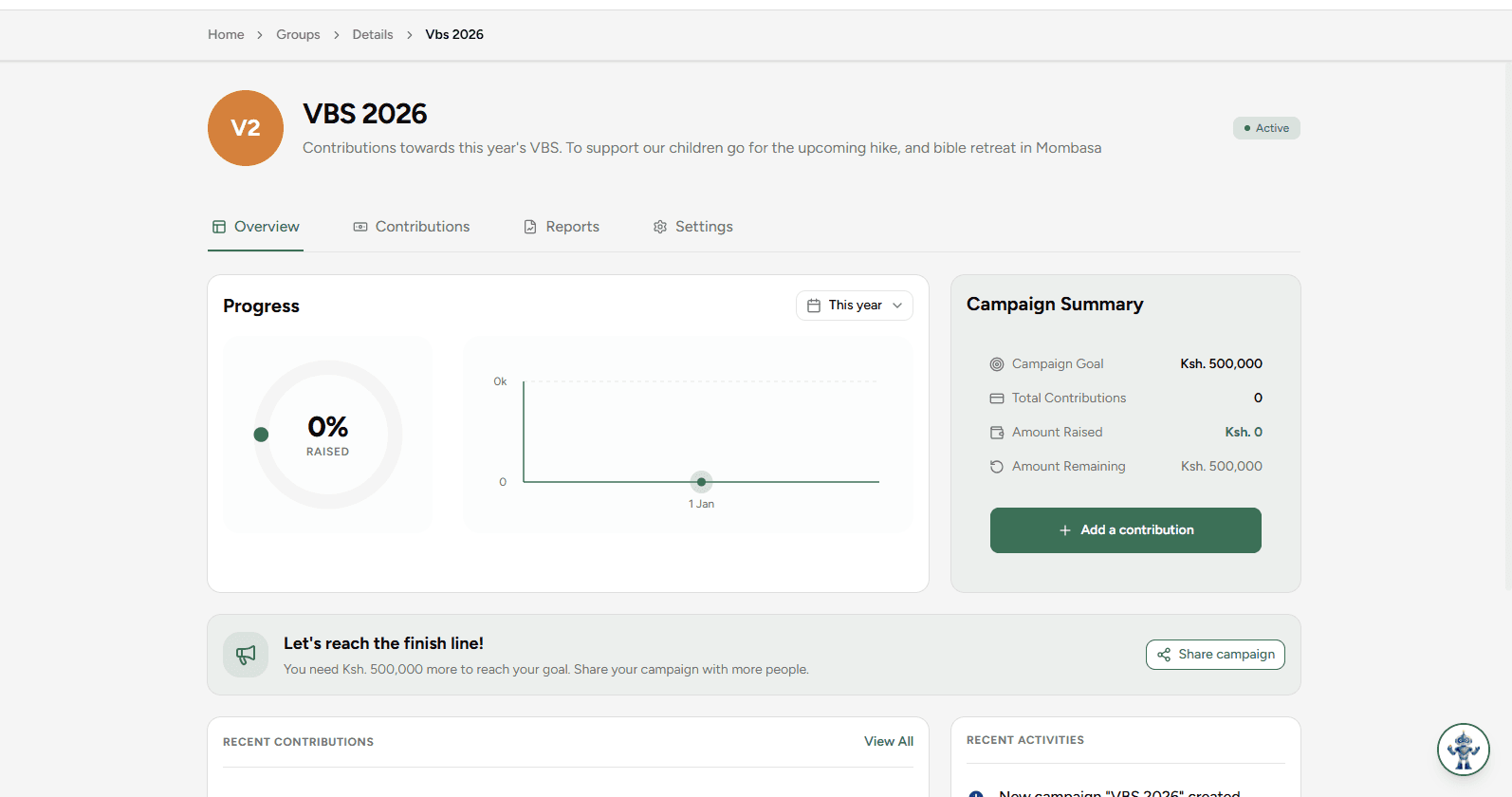
This will take you to the created group, which is now ready to start tracking the contributions of that fundraising activity.